
ADVERTISEMENT
TikTok Video Downloader - Fast & Easy | Tiktok ToVideo
Quickly download TikTok videos with Tiktok To Video. Save TikTok videos in high quality, without watermarks, directly to your device. Fast, Easy, and Free
ADVERTISEMENT
ADVERTISEMENT
TikTok has become one of the most popular social media platforms, with millions of users uploading creative, funny, and educational content every day. But sometimes, you come across a TikTok video you want to save for later, share offline, or just keep as a memory. That’s where Tik2Video.com comes in. This nifty tool lets you easily download TikTok videos to your device without any complicated steps or watermarks! In this guide, I’ll walk you through everything you need to know about using Tik2Video.com to load your favorite TikTok videos, quickly and easily.
What is Tik2Video.com and How Does It Work?
Let’s start with the basics: Tik2Video.com is a free online tool that allows you to download TikTok videos directly to your phone, tablet, or computer. The best part? You don’t need to install any apps or sign up for an account. This makes it super convenient when you want to save a TikTok video fast.
Using Tik2Video.com is as easy as pasting the link to the TikTok video and clicking a button. It’s designed to be beginner-friendly, so even if you’re not super tech-savvy, you’ll have no trouble figuring it out. Plus, there’s no need to worry about your safety — the site doesn’t ask for your personal information, and no TikTok login is required, which makes it both secure and private.
Step-by-Step Guide to Load TikTok Videos Using Tik2Video.com
Here’s the step-by-step process for downloading TikTok videos using Tik2Video.com. You’ll be saving videos in no time:
- Open TikTok and Copy the Video URL:
First, open the TikTok app (or website) and find the video you want to download. Once you’ve got the video, tap the Share button (it looks like an arrow), and select Copy Link. If you’re using the TikTok website, just copy the URL from the address bar. - Paste the URL on Tik2Video.com:
Next, open your browser and go to Tik2Video.com. You’ll see a big search bar at the top of the page. Simply paste the link you copied from TikTok into that bar. - Download the Video:
Once you’ve pasted the link, click the Download button. Tik2Video.com will quickly process the video and give you options to download it in different formats (like MP4) and resolutions (like HD). Choose the one that works best for you, and the video will start downloading to your device. Easy, right?
Benefits of Using Tik2Video.com
Now that you know how to use it, let’s talk about why Tik2Video.com is one of the best tools out there for downloading TikTok videos.
- No Watermarks:
One of the most annoying things about saving TikToks directly from the app is the watermark. With Tik2Video.com, you get clean, watermark-free videos, which is perfect if you want to use them for presentations or editing. - Multiple Format Options:
Whether you need an MP4 file, or you want the video in HD, Tik2Video.com gives you several download options. This flexibility makes it great for different needs, whether you’re saving videos for personal use or creating content for another platform. - It’s Free and Fast:
No need to pay for a premium service! Tik2Video.com is completely free to use. Plus, the download process is fast, so you won’t have to sit around waiting for your video to load.
Common Issues and How to Troubleshoot
Sometimes, things don’t go as smoothly as planned. Here are a few common issues people experience when using Tik2Video.com and how to fix them:
- Slow Loading Times:
If you notice the video is taking too long to load, it could be due to your internet connection. Try refreshing the page, closing any extra tabs, or switching to a faster Wi-Fi connection. You can also try a different browser to see if that speeds things up. - Video Not Downloading:
Occasionally, the video might not download as expected. If this happens, double-check the link you pasted. Sometimes, TikTok links can be tricky. Also, ensure the video you’re trying to download is public—Tik2Video.com can’t access private videos. - Error Messages:
If you get an error message, it might be due to server issues. Don’t worry, this is usually temporary. Try again in a few minutes. If the problem persists, clearing your browser’s cache can help reset the page and resolve the issue.
Alternatives to Tik2Video.com for Loading TikTok Videos
While Tik2Video.com is fantastic, it’s always good to know about alternatives, just in case you run into issues or want to try something different.
- SnapTik:
SnapTik is another popular tool for downloading TikTok videos. It offers similar features, including no-watermark downloads and high-quality videos. - TTDownloader:
TTDownloader is a great alternative that allows you to download videos, audio, or even GIFs from TikTok. It’s also free and doesn’t require any account creation.
Both SnapTik and TTDownloader offer a user-friendly experience, but Tik2Video.com tends to be faster and more streamlined in my experience, making it my go-to choice for video downloading.
Conclusion:
Now that you’ve got the full rundown, you’re all set to load your favorite TikTok videos quickly and easily with Tik2Video.com. Whether you’re downloading videos to save memories, share with friends, or use for content creation, this tool makes it a breeze. Just follow the simple steps I outlined, and you’ll have your videos downloaded in no time.
Have you tried Tik2Video.com? I’d love to hear about your experience! Drop a comment below with your thoughts, or let me know if you’ve found another great tool for downloading TikTok videos. Happy downloading!
Make for TikTok Video Downloader is easy
Step-by-step guide in your requested format for using a TikTok Video Downloader to download TikTok videos:
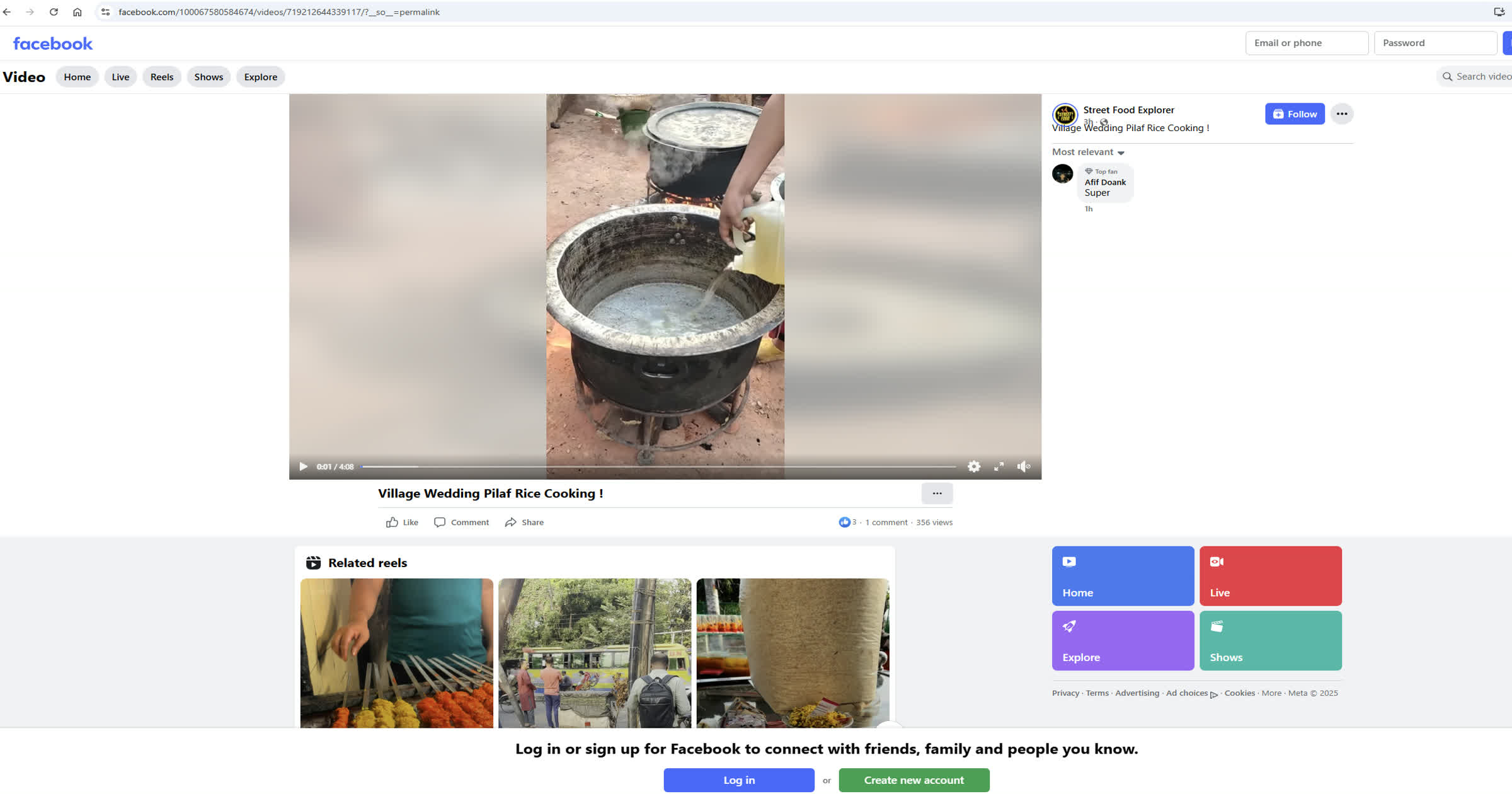
Copy TikTok Video URL
Open TikTok and find the video you want to download. Tap the 'Share' button and select 'Copy link' to copy the video URL.
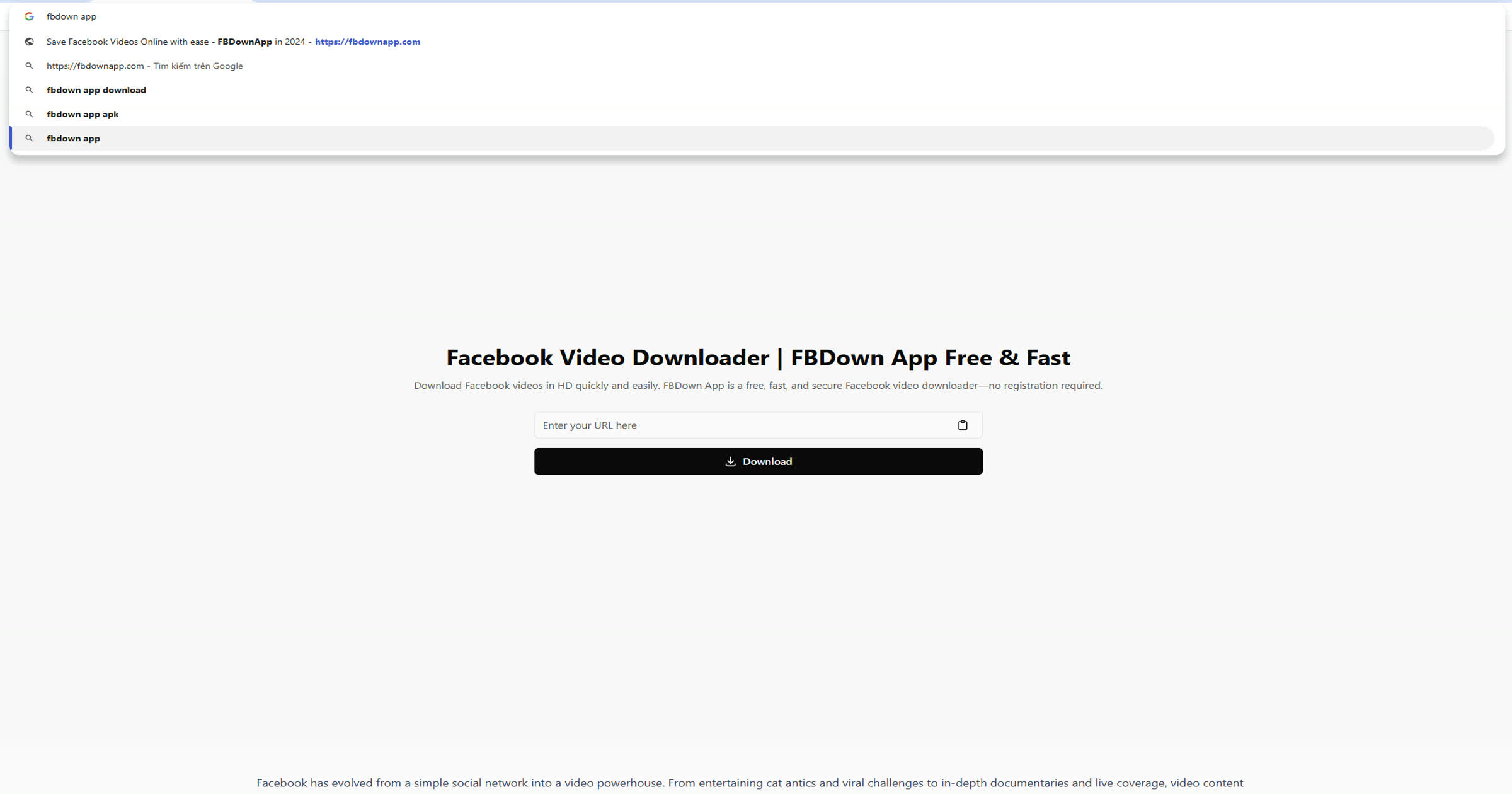
Paste Video Link
Open the TikTok Video Downloader in your browser. Paste the copied TikTok video URL into the input box on the homepage.

Generate Download Link
Click the 'Download' button. The TikTok Video Downloader will process the link and show available download options.
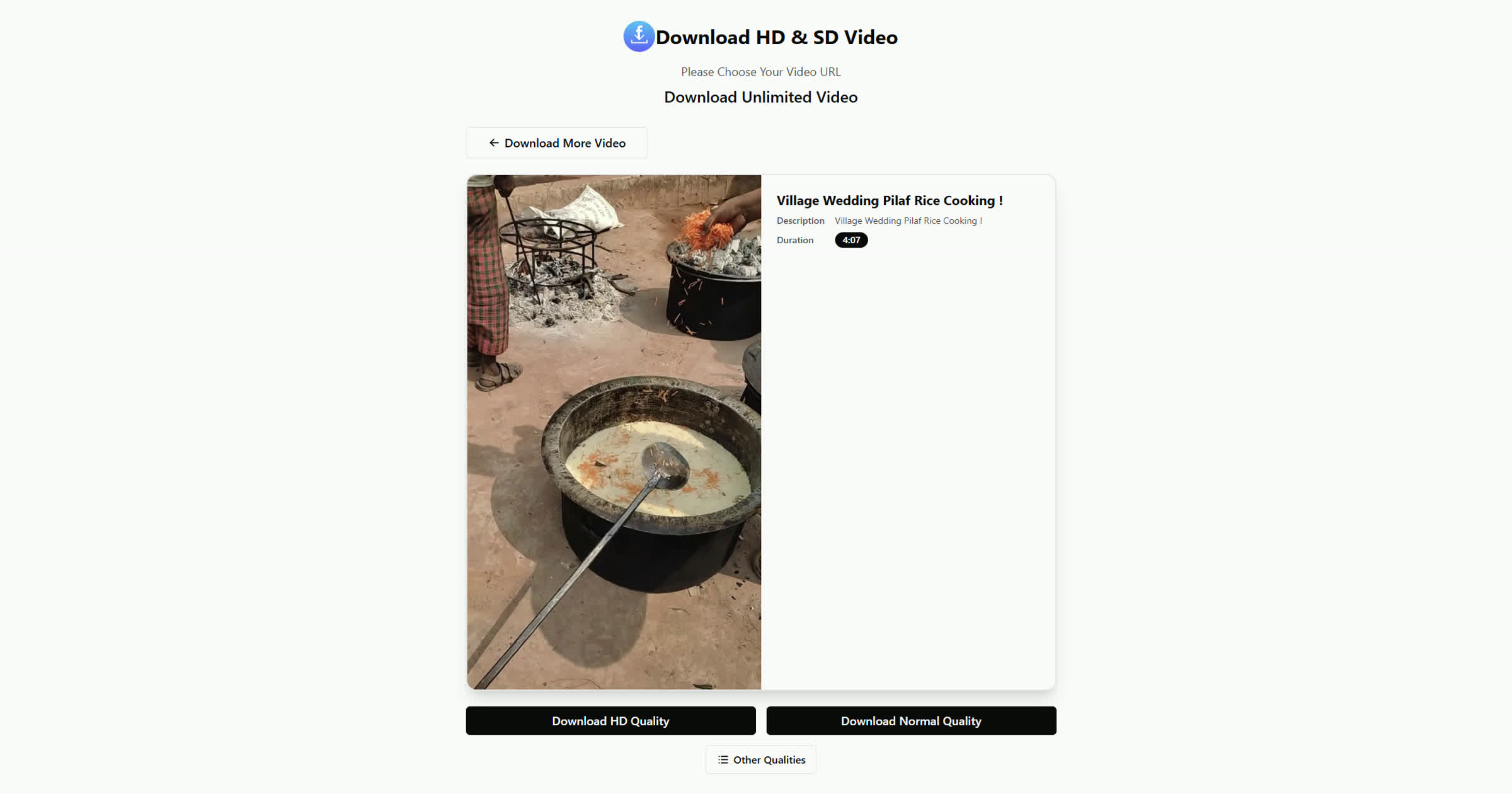
Download TikTok Video
Select your preferred video quality and download option (with or without watermark), then save the video to your device.
Frequently Asked Questions
Tik2Video.com is a free online tool that allows you to download TikTok videos without a watermark. It’s user-friendly and lets you save TikTok videos in various formats and resolutions.
Yes, Tik2Video.com is completely safe. It doesn’t require you to log in or provide any personal information, ensuring your privacy and security.
To download a TikTok video, simply copy the video link from TikTok, paste it into the search bar on Tik2Video.com, and hit the download button. You can then choose the desired format and resolution.
Yes! Tik2Video.com allows you to download TikTok videos without the watermark, providing you with clean, high-quality videos.
Tik2Video.com offers multiple formats, including MP4. You can also choose different resolutions such as HD, depending on your preference.
There could be several reasons, such as an incorrect video link, the video being private, or a weak internet connection. Double-check the URL, ensure the video is public, and try refreshing the page or switching browsers.
No, there are no download limits. You can use Tik2Video.com to download as many TikTok videos as you want for free.
Yes! Tik2Video.com is mobile-friendly and works on both iPhone and Android devices, allowing you to download TikTok videos directly from your mobile browser.